
Integration guide Google Analytics
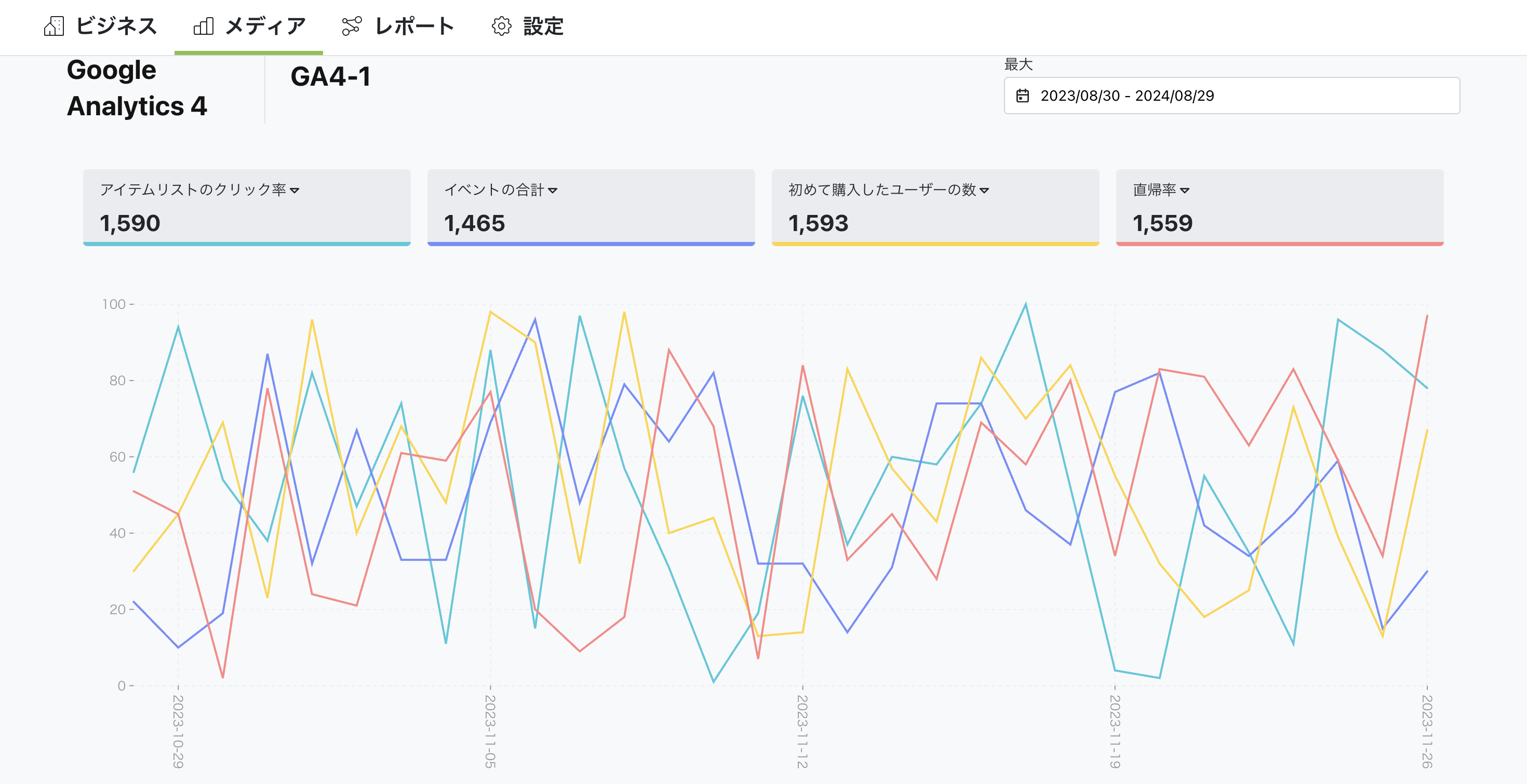
Pre-connection checklist
Ensure the Google account has viewer access to the target GA4 property.
Grant Analytics read scopes during OAuth authorization.
After connection, select the property and verify sessions/conversions are synced.
What you can do with Google Analytics integration
Analyze website traffic
Through integration, you can get traffic data such as visitors, page views, and sessions. This helps you understand overall site performance and identify areas for improvement.
Analyze user behavior
With Google Analytics, you can analyze how users behave on your website. Get data on page flow, time on site, bounce rate, and more to gain insights for improving user experience.
Track conversions
Through integration, you can get conversion data (purchases, sign-ups, inquiries, etc.) on your website. This lets you measure marketing campaign effectiveness and adjust your strategy.
How to set up
Go to Business Settings.
Open Business details.
Click the "Connect" button in the top right.
You can watch the setup steps in the video below. Click the link to view.
Summary
Through Google Analytics integration, you can analyze website performance in detail and better understand user behavior. With Nex-Ray, you can get various Google Analytics data and concrete insights for site improvement to enhance your business strategy.


