
Integration guide Instagram
Pre-connection checklist
Use an Instagram Business account linked to a Facebook Page before connecting.
Grant Instagram insights permissions during authorization.
After linking, select the account and confirm post/reel metrics are imported.
What you can do with Instagram integration
Get user metrics
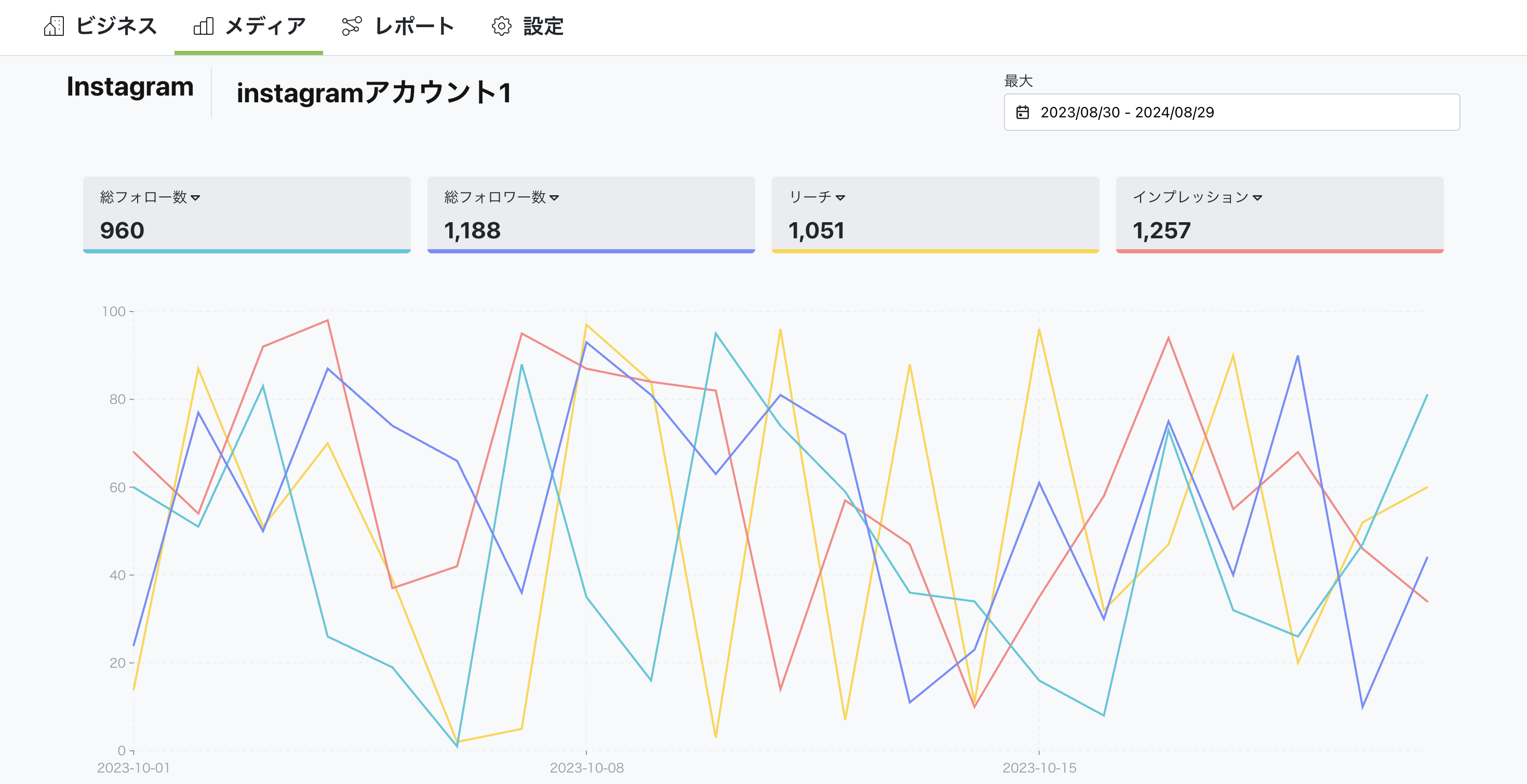
You can get detailed data about your account. This includes follower count, profile visits, website clicks, and more, helping you evaluate account performance.
Get post metrics
Through integration, you can get detailed data (metrics) about your Instagram posts. This includes likes, shares, comments, reach, and more, helping you evaluate post performance.
Get story metrics
You can get data for your Instagram stories. By analyzing reach, impressions, replies, exit count, and more, you can understand story performance and take steps to improve.
How to set up
Go to Business Settings.
Open Business details.
Click the "Connect" button in the top right.
You can watch the setup steps in the video below. Click the link to view.
Summary
Through Instagram integration, you can analyze Instagram performance in detail and improve engagement. With Nex-Ray, you can get various Instagram data and evaluate the effectiveness of your profile and posts to improve your content strategy.


