
Integration guide LinkedIn
Pre-connection checklist
Start connection with a user who administers the LinkedIn Page.
Grant organization analytics read permissions during authorization.
After linking, select the page and verify follower/post insights ingestion.
What you can do with LinkedIn integration
Get post metrics
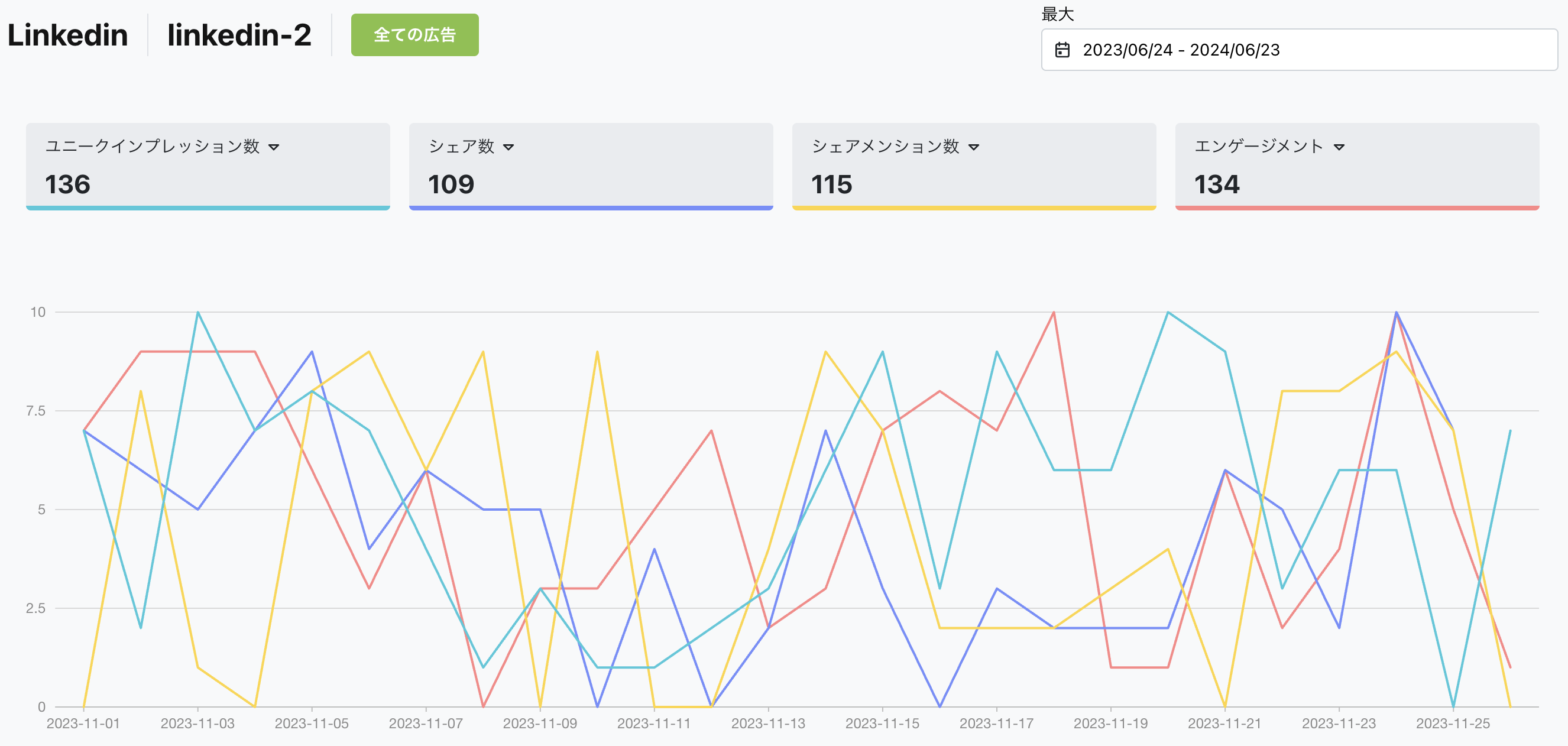
Through integration, you can get detailed data (metrics) about your LinkedIn posts. This includes likes, shares, comments, impressions, and more, helping you evaluate post performance.
Get LinkedIn Page metrics
Through integration, you can get data for your entire LinkedIn Page. By analyzing followers, engagement, page views, and more, you can understand overall page performance and take steps to improve.
How to set up
Go to Business Settings.
Open Business details.
Click the "Connect" button in the top right.
You can watch the setup steps in the video below. Click the link to view.
Summary
Through LinkedIn integration, you can analyze post and page performance in detail and maximize the impact of business networking. With Nex-Ray, you can get various LinkedIn data and evaluate the effectiveness of your page and posts to improve your content strategy.


