
Integration guide Yahoo Ads
Pre-connection checklist
Connect using a Yahoo! JAPAN Business ID with ad operation permissions.
Approve read permissions for Search and Display Ads data.
After linking, select the account and verify daily metrics ingestion.
What you can do with Yahoo Ads integration
Get listing ad metrics
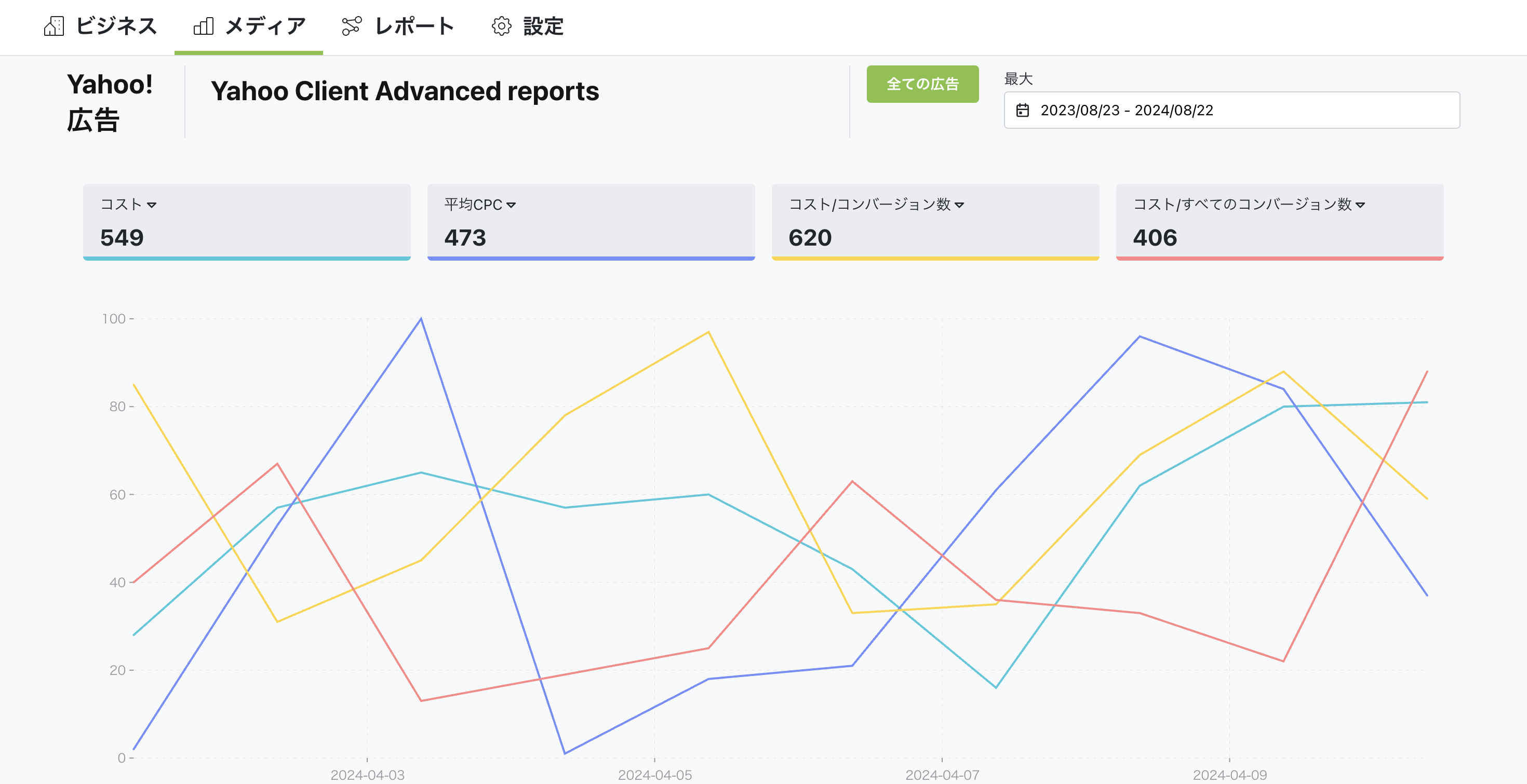
Through integration, you can get various metrics for listing ads (search ads) delivered via Yahoo. This includes:
- Impressions: Number of times the ad was shown in search results.
- Click-through rate (CTR): Percentage of displayed ads that were clicked.
- Average CPC: Average cost per click.
- Conversion rate: Percentage of users who took an action (purchase, sign-up, etc.) after clicking.
This lets you evaluate ad performance and optimize keywords and ad copy.
Get display ad metrics
Through integration, you can also get metrics for display ads delivered via Yahoo. Display ads are banner ads shown on partner sites and Yahoo News. This includes:
- Impressions: Number of times the ad was shown.
- Click-through rate (CTR): Percentage of displayed ads that were clicked.
- CPM: Cost per 1,000 impressions.
- Engagement rate: Percentage of user interactions (clicks, hover, etc.) with the ad.
Display ads are effective for brand awareness and retargeting. Analyzing these metrics helps you improve ad placement and design.
How to set up
Go to Business Settings.
Open Business details.
Click the "Connect" button in the top right.
You can watch the setup steps in the video below. Click the link to view.
Summary
Through Yahoo Ads integration, you can analyze listing and display ad performance in detail and maximize effectiveness. With Nex-Ray, you can get various Yahoo Ads data and evaluate ad effectiveness to improve your advertising strategy.


