How to Write SEO Titles: Examples and Why Google May Change Them
May 28, 2026
Author: Shusaku Yosa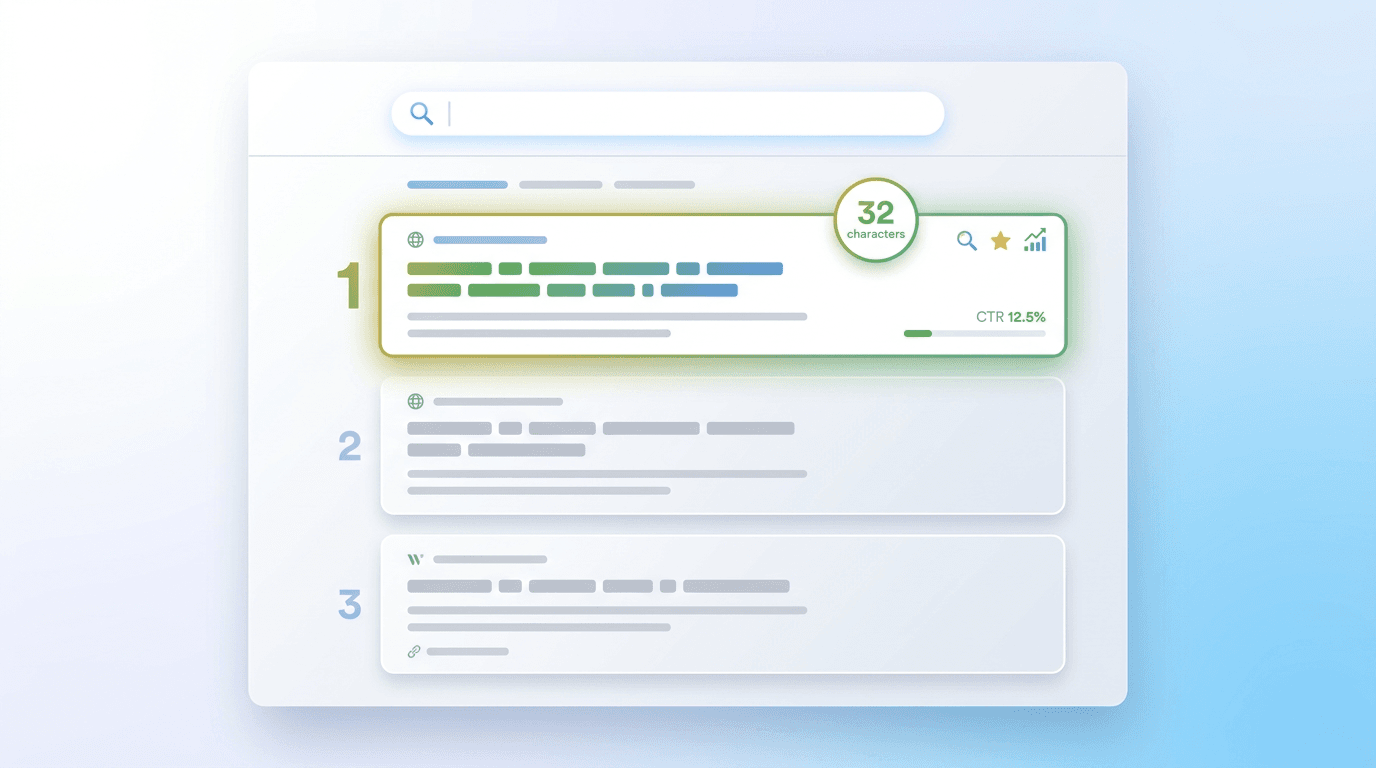
A useful SEO title tells readers what a page will help them understand or do. Start with that promise rather than a list of keywords. The HTML title element and Google’s displayed title link are not necessarily identical, so writing the title and diagnosing its appearance are separate tasks.
The Title Element and the Search Title Link Are Different
The title element names the HTML document. The clickable heading in a search result is the title link. Google can generate that link using the title and other signals, including prominent headings. See Google’s title-link documentation for the mechanism.
Different displayed wording is not by itself evidence of a penalty or a failed setting. Fix the URL, language, and observation conditions, then inspect the wording that actually appears on the page.
State the Topic and the Reader’s Question Clearly
Before drafting, write down the reader’s question and the answer the page provides. If an article explains measurement and input-error checks for enquiry forms, its title should communicate those tasks rather than promise an entire conversion programme.
- Identify the reader’s practical question.
- Confirm the work and scope covered in the body.
- Select words that name the actual topic.
- Remove repetition and unsupported superlatives.
A title promising a survey, expert review, free asset, or numerical result needs the corresponding evidence in the page. Do not invent such a promise merely to make the headline more attractive.
Write Useful Titles Without a Fixed Character Rule
Google does not set a fixed title character limit that guarantees full display. Available width can truncate text. Treat character counts as editing aids, not a pass/fail SEO rule. These are options for a fictional article about form measurement and errors.
Option | What it communicates | Check before choosing |
|---|---|---|
Form Optimization Basics | Broad introductory coverage | The measurement task is not specific |
How to Measure Enquiry Form Completion | A clear measurement task | The body must define the denominator and success |
Form Optimization: Measure Completion and Check Input Errors | The actual work covered | Both tasks need adequate treatment |
The third could fit this fictional brief, but it is not a guaranteed CTR winner. Place important words where they help a person understand the topic, without claiming that early keyword placement has a particular crawler weight.
Align the Title, Main Heading, and Page Content
Updating the title while leaving an old main heading can create an inconsistent promise. Review the elements together before publishing.
Element | Fictional mismatch | Check |
|---|---|---|
Title | Form Optimization Guide 2026 | Whether the content was actually updated |
H1 | Form Optimization Guide 2024 | An obsolete year in the main heading |
og:title | Previous service name | The sharing title and current identity |
Prominent heading | A different subject dominates | Which topic is truly central |
Page language | Japanese title on an English page | Language-specific copy and output |
Do not mechanically make every field identical. Determine whether the content changed, a display field is stale, or the page has multiple competing main topics.
Why Google May Generate a Different Title Link
Google may adjust displayed wording. If the supplied title is inaccurate, outdated, or repetitive, improve it for readers first. A published change still requires recrawling and processing, and does not lock the wording for every search.
Keep a record of the change date, published title, H1, observed title link, query, and device. If old wording persists, inspect the published version and retrieval information before repeatedly rewriting it. A display difference and a failure to answer the reader’s question are different findings.
Evaluate Clicks and Impressions on Comparable Terms
Compare equal-length periods and the same search type, then review country, device, and important query conditions. Use impressions, clicks, and average position alongside CTR in the Search Console performance report.
Illustrative period | Impressions | Clicks | CTR | Further check |
|---|---|---|---|---|
30 days before | 100 | 2 | 2% | Record important queries and positions |
30 days after | 150 | 3 | 2% | Check new queries and position changes |
This fictional example contains one additional click, but it does not isolate the effect of the title. Search demand, ranking changes, and other work can contribute. Record GA4 organic landing sessions separately from Search Console clicks, and do not turn unverified event counts into registered people.
Related Reading
Align the title, main heading, and actual page content, and record the change date before evaluating results.