What Is Google Autocomplete? How Search Suggestions Work and How to Use Them
June 2, 2026
Author: Shusaku Yosa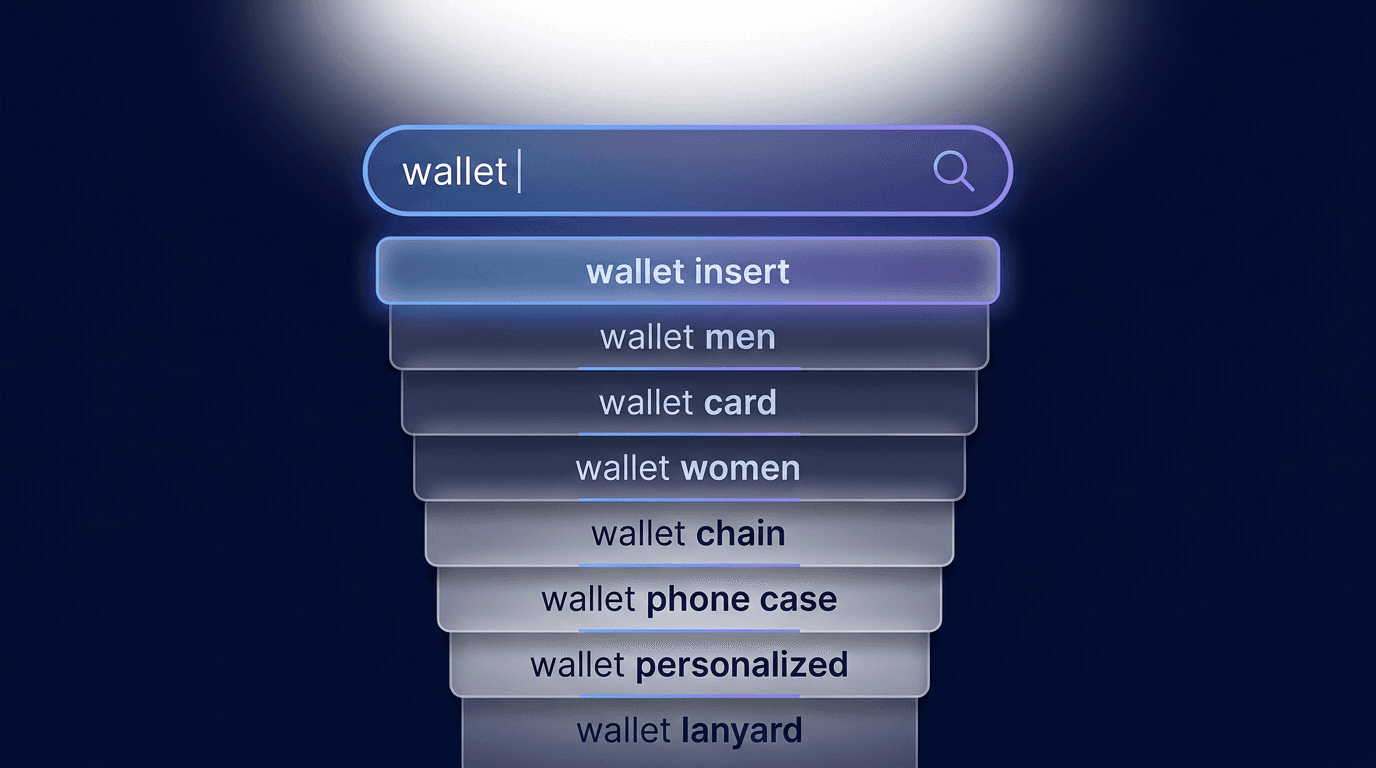
Google Autocomplete suggests possible searches while someone types. It can reveal useful wording and questions, but it is not a ranked list of search volume. Record the conditions behind predictions and validate the reader’s task before turning a phrase into content.
What Google Autocomplete predictions are
Autocomplete helps users complete a search. They can select a prediction or continue typing their own query. In SEO discussions, search suggestions usually refers to these predictions, rather than a separate database of verified keyword demand.
Google’s official explanation describes signals from real searches and patterns of language found across the web. A prediction is not a statement that its wording is true or an endorsement of the idea it contains.
For a content researcher, the useful first question is therefore not “How much traffic will this produce?” It is “What might someone mean, and what evidence would help us understand that task?” A prediction can start that investigation, but it cannot finish it.
Why predictions vary and do not rank search volume
Language, location, timing and search history can affect predictions. Your screen is one observation under particular conditions. It does not show what every customer sees, and a change in prediction order does not provide a measurable change in demand.
Condition | Record | Avoid assuming |
|---|---|---|
Market and language | The region and language investigated | Other markets have the same list |
Time | Date and relevant time | An old observation remains current |
Account or history | The state used during the check | Your personalized view is universal |
Typed text | Spaces and additional characters | Different inputs form one comparable list |
Search frequency can be relevant without making the output a frequency table. Decide whether you need wording ideas, a trend comparison or a volume estimate. Different questions may require different sources.
Compare Autocomplete, related searches, Trends and Keyword Planner
Source | Information | Limit |
|---|---|---|
Autocomplete | Predictions while typing | Not a volume ranking |
Related search features | Nearby topics to explore | Display and interface can vary |
Google Trends | Relative interest | Not an absolute search count |
Keyword Planner | Advertising ideas and estimates | Ad competition is not organic difficulty |
Search Console | Queries and visibility for your site | Not the whole market’s demand |
Keyword Planner is not an official bulk export of Autocomplete. Its usage guidance concerns advertising ideas and estimates. Check its metric definitions before using a figure to justify an editorial decision.
Search-result exploration features differ from predictions in the input box. Avoid memorizing one interface trigger as a permanent rule. Label the source and what it actually showed when you collected it.
Record the conditions behind each observation
This is a fictional worksheet, not a claim about predictions displayed on a particular date. Imagine an editor researching a GA4 setup guide. The purpose is to separate wording from interpretation.
Field | Fictional entry |
|---|---|
Input | GA4 setup |
Conditions | Target market, English, date and account state |
Teaching phrases | GA4 setup steps; GA4 not collecting data |
Research question | Do installation and troubleshooting need different answers? |
Hypothesis | One reader needs a sequence; another needs failure checks |
Unknown | Demand, site visibility and business relevance |
If you add a phrase from brainstorming, label it as an idea rather than an observed prediction. Keeping origins separate lets another person understand the research instead of treating a mixed list as an official tool export.
Turn predictions into intent hypotheses and validate them
Before creating a page, look at existing content, visible Search Console queries and customer questions. Setup steps and installation guide may describe the same task. Not collecting data may require a different diagnostic path. The distinction comes from the needed answer, not the word count of the phrase.
Intent hypothesis | Evidence to check | Possible decision |
|---|---|---|
First installation | Does an existing page cover preparation and validation? | Improve that page |
Troubleshooting | Which failure states occur in support questions? | Consider a diagnostic guide |
Cost comparison | Which product and terms matter? | Define a specific comparison |
One page per prediction can fragment an answer into overlapping articles. Group equivalent needs and separate genuinely different tasks. For another language, investigate how readers formulate the problem locally rather than translating a list and assuming identical demand.
Report inappropriate predictions and understand the limits
Google provides a way to report inappropriate predictions, but a report does not guarantee removal. Use the official management and reporting guidance to check your options.
Changing predictions connected to your own history differs from reporting a general prediction. Both also differ from requesting removal of a web page from search results. Identify which information and service are involved before choosing an action.
Start with a small, documented set of observations. Validate the likely task, check existing pages, and decide what the evidence supports. A useful research record explains why content should change; the number of suggestions collected is not itself a result.