
Integration guide Google Ads
Pre-connection checklist
Connect with a user who has admin or standard access to Google Ads.
Approve Google Ads API read scopes during authorization.
After connection, choose the customer ID and validate campaign/ad-group data.
What you can do with Google Ads integration
Get ad metrics
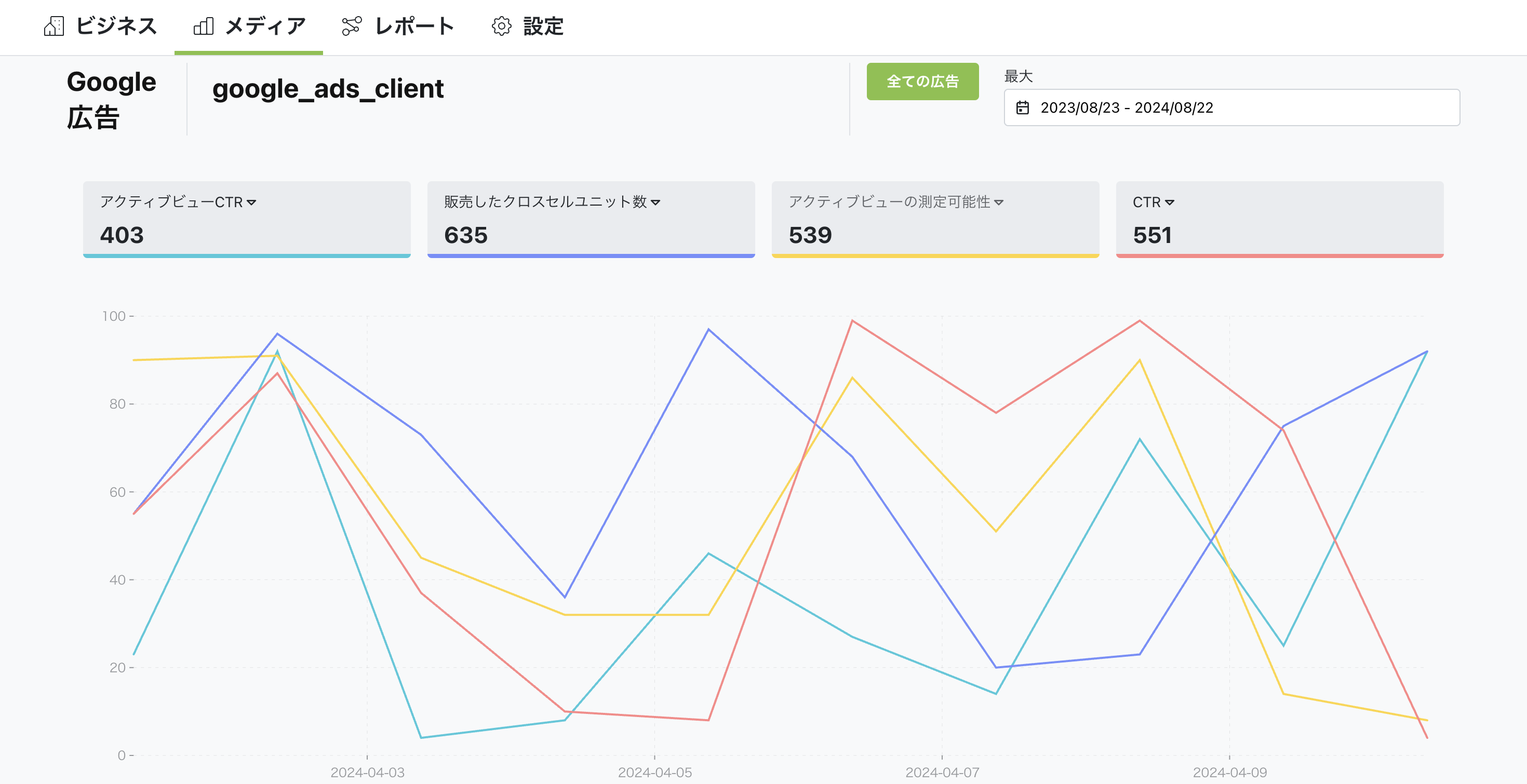
Through integration, you can get various metrics for ads delivered via Google. This includes ad impressions, click-through rate, conversion rate, and more. This lets you evaluate ad performance and optimize accordingly.
How to set up
Go to Business Settings.
Open Business details.
Click the "Connect" button in the top right.
You can watch the setup steps in the video below. Click the link to view.
Summary
Through Google Ads integration, you can analyze campaign performance in detail and maximize effectiveness. With Nex-Ray, you can get various Google Ads data and evaluate ad effectiveness to improve your advertising strategy.


