
Web Analytics posts

What Is a Tracking Code? Placement and How to Verify It in GA4
A clear explanation of what a tracking code is, where to place gtag.js and GTM snippets (inside the head element, as high as possible), how to verify them using the GA4 Realtime report and DebugView, and what to check when nothing is being measured.
Shusaku Yosa

GA4 Click Tracking with GTM: Buttons, Links and Debugging
Set up GA4 button and link tracking in GTM, test events with Tag Assistant and DebugView, and troubleshoot missing or duplicated click events.
Shusaku Yosa

How to Use Accaii: Setup, Login and Tracking Troubleshooting
Learn how to set up Accaii, check tracking, troubleshoot login issues, and review free-plan inactivity rules and data retention.
Shusaku Yosa

How to Exclude IP Addresses in GA4 | Steps to Remove Internal Access from Measurement
A guide to excluding IP addresses in GA4 to remove your company's access from measurement: the two-stage setup of defining internal traffic and enabling the data filter, testing in Realtime, what to do when exclusion is not working, and handling dynamic IP and smartphones.
Shusaku Yosa

What Is GA4's "(direct)/(none)"? Causes and Measures to Reduce It Explained
Explaining what GA4's "(direct) / (none)" is: the mechanism by which the referral cannot be identified, causes such as bookmarks, missing UTM parameters, SSL, and in-app browsers, how to check it, and concrete measures to reduce its share.
Shusaku Yosa

GA4 Cross-Domain Setup Steps | How to Measure Across Multiple Sites
A step-by-step guide to GA4 cross-domain configuration following the admin screen: prerequisites, configuring domains and the unwanted referrals list, verifying with the _gl parameter and DebugView, and checkpoints when measurement is not working.
Shusaku Yosa

What Is a Referrer? Its Meaning in GA4, How to Check It, and the Difference from Direct
Learn what a referrer means in GA4 and how to check it. We explain the difference between source and medium, how it differs from (direct), and tips for measuring referrers accurately, for beginners.
Shusaku Yosa

What Are GA4 Parameters? Types List and How to Set Up Custom Parameters
A clear explanation of what GA4 parameters are, from the basics. Covers the full list of types—automatically collected, enhanced measurement, recommended, and custom—plus how to set up custom parameters with gtag.js and GTM, and points to watch such as scopes and limits.
Shusaku Yosa

What Is "(not set)" in GA4? Causes and How to Fix It
Learn what "(not set)" means in GA4, why it appears, and how to fix it by dimension. Covers source/medium, landing page, and custom dimension causes, plus a checklist to reduce not set in Analytics.
Shusaku Yosa

How to Use Search Analytics (Search Console) | Reading the Metrics and Improvement Methods
Explains how to use Search Analytics (Search Console's Search Performance report). Covers how to read the four metrics—impressions, clicks, CTR, and average position—and SEO improvement methods that combine them, such as title improvement and rewriting, for beginners.
Shusaku Yosa

What Is a Dimension? The Difference from a Metric and How to Use It in GA4
A dimension is the angle / axis of analysis for classifying data. This article clearly explains its difference from a metric with "see △△ by ○○," and introduces, for beginners, how to use dimensions in GA4's standard and exploration reports, plus custom dimensions.
Shusaku Yosa
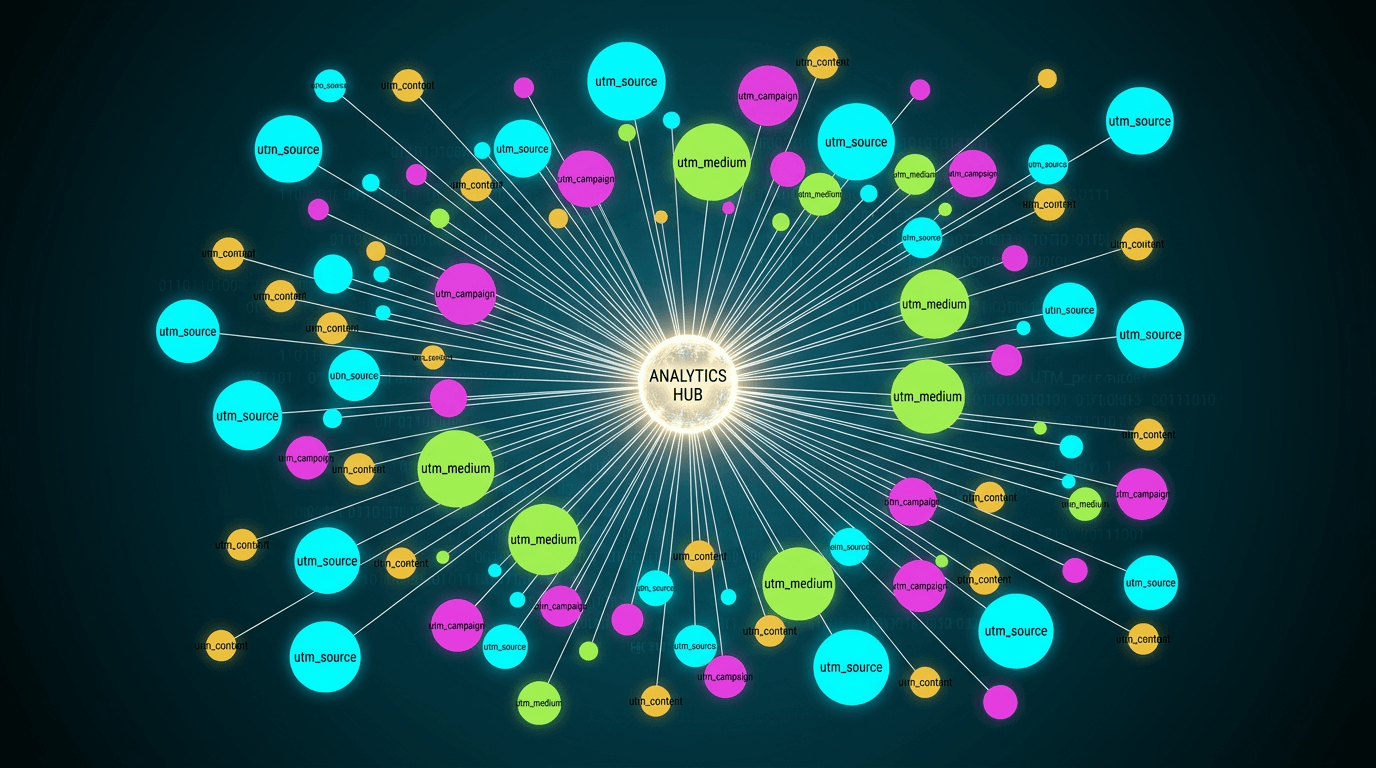
What Is a URL Parameter? Types, How to Add Them, and Measurement Use in GA4
A URL parameter is a variable added to the end of a URL. This article explains, for beginners, the two types (active and passive), how to add UTM parameters, how to measure and check them in GA4, and cautions such as unifying in lowercase.
Shusaku Yosa