
What Is a URL Parameter? Types, How to Add Them, and Measurement Use in GA4
June 22, 2026
Author: Shusaku Yosa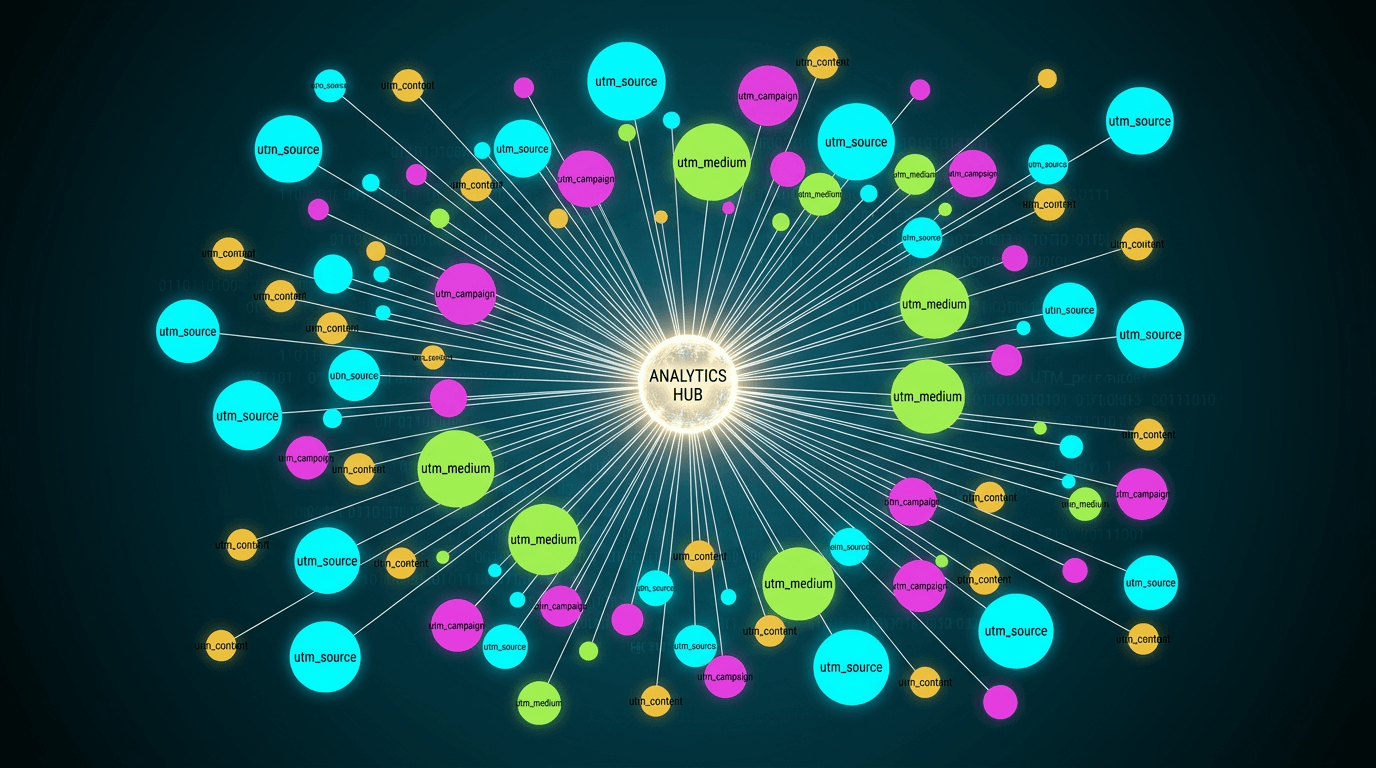
Indispensable for accurately analyzing traffic from ads, SNS, and newsletters is the "URL parameter." The string like "?utm_source=..." attached to the end of a URL is exactly that, but surprisingly few people grasp its types, how to add it, and how to read the data in GA4. This article clearly explains everything from the basics of URL parameters to their types, the correct way to add them, measurement use in GA4, and cautions.
What Is a URL Parameter?
A URL parameter is a variable added to the end of a web page's address (URL). Written in the "key=value" format after "?", it serves to pass additional information to servers and analytics tools. For example, in a URL like the following, the bold part is the parameter.
unknown nodeThe first symbol connecting the URL and the parameter is always "?", and the second and subsequent parameters are joined with "&". By using this mechanism to pass source information to an analytics tool, you can accurately distinguish "where the user came from."
The Two Types of URL Parameters
URL parameters are broadly divided into two types based on differences in their roles.
- Active parameter: A parameter that changes the displayed content of the page itself. Used for filtering, sorting, and pagination of search results, the displayed content changes depending on the value.
- Passive parameter: A parameter that, even when added to the URL, does not affect the page's displayed content. Also called a "dummy parameter," it is mainly used for traffic measurement in analytics. The UTM parameters described later fall into this category.
What you use when you want to measure the effect of marketing measures in analytics is the latter, passive parameters—and among them, the "UTM parameter."
The Lead Role in Traffic Measurement: "UTM Parameters"
A UTM parameter is a string added to the end of a URL to classify a visitor's traffic path. UTM stands for "Urchin Tracking Module," a name originally derived from the analytics software of Urchin, the company before its acquisition by Google. By adding it to links in ads, SNS posts, and newsletters, you can accurately track in GA4 which path a visit came from.
UTM parameters are important because without them, the traffic source can be misclassified. For example, even a user who came from a Yahoo! ad may be recognized as "yahoo / organic (organic traffic)" without parameters. With correct settings, it can be distinguished as "traffic from an ad," letting you accurately visualize the effect of each measure.
The Main 5 Types of UTM Parameters
There are mainly the following five UTM parameters. GA4 officially recommends setting the three of source, medium, and campaign in particular.
- utm_source (source / required): The media name of the traffic source. Examples: google, yahoo, newsletter, etc.
- utm_medium (medium / required): The means or type of traffic. Examples: cpc (listing ad), email, social, etc.
- utm_campaign (campaign / recommended): The name of the measure or campaign. Example: summer_sale, etc.
- utm_term (keyword / optional): Mainly used when specifying keywords for search ads.
- utm_content (content / optional): Distinguishes ads or links within the same campaign. Convenient for A/B testing.
The three of source, medium, and campaign are the basics of analysis. term and content are enough if you add them only when needed.
How to Add URL Parameters
To set UTM parameters, there is the method of writing them manually and the method of using Google's free tool.
Steps to Set Them Manually
- Add "?" to the end of the URL of the page you want to measure
- After "?", write the key and value like "utm_source=google"
- When adding multiple parameters, join them with "&"
When actually assembled, it becomes a URL like the following.
unknown nodeUse Campaign URL Builder
Since manual work is prone to mistakes, using Google's free tool "Campaign URL Builder" is recommended. Just by entering the website URL and the value of each parameter into the form, a URL with parameters is automatically generated. It prevents input errors, so it is convenient especially when there are many items.
How to Measure and Check Parameters in GA4
The measurement results of the parameters you set can be checked in GA4's reports and explorations. The basic steps are as follows.
- Open GA4's "Reports" → "Acquisition" → "Traffic acquisition"
- Switch the primary dimension to "Session source/medium" to check data per utm_source and utm_medium
- Switch to "Session campaign" to display data per utm_campaign
Values set in utm_term or utm_content may not appear in standard reports. In that case, specify the relevant dimension in the "Explore" report to check. Since it takes time for data to be reflected right after setting, use the "Realtime" report rather than standard reports when you want to check immediately.
Cautions for Operating URL Parameters
To measure accurately, keep the following points in mind.
- Unify notation in lowercase: UTM parameters distinguish uppercase and lowercase. "Twitter" and "twitter" are tallied as separate things, dispersing the data. Unify in lowercase to match the GA4 standard.
- Don't use Japanese (full-width characters): Full-width characters cause garbled text in GA4. Write in half-width alphanumerics.
- Don't add them to internal links: Adding UTM parameters to links within your own site fragments sessions or overwrites the original traffic source (such as ads). Measure internal clicks with GTM event tracking.
- Watch out for loss during redirects: Parameters can disappear when a shortened URL or redirect process is involved. Always check that the parameters remain in the final URL.
- Never include personal information: Do not put personal information such as names or email addresses into parameters. URLs remain in history and logs, and become a leak risk when shared.
Conclusion
A URL parameter is a variable added to the end of a URL, divided into active parameters that change the page display and passive parameters (UTM parameters) used for measurement. In traffic analysis, UTM parameters play the lead role; set the three of source, medium, and campaign as the basis, and using Campaign URL Builder lets you create them without mistakes. While checking the effect in GA4's "Traffic acquisition" report and keeping operational rules—unifying in lowercase, not using them on internal links, and not including personal information—you can accurately visualize the cost-effectiveness of your marketing measures.