How to Find Bounce Rate in GA4: Landing Pages and Channels
April 9, 2026
Author: Shusaku Yosa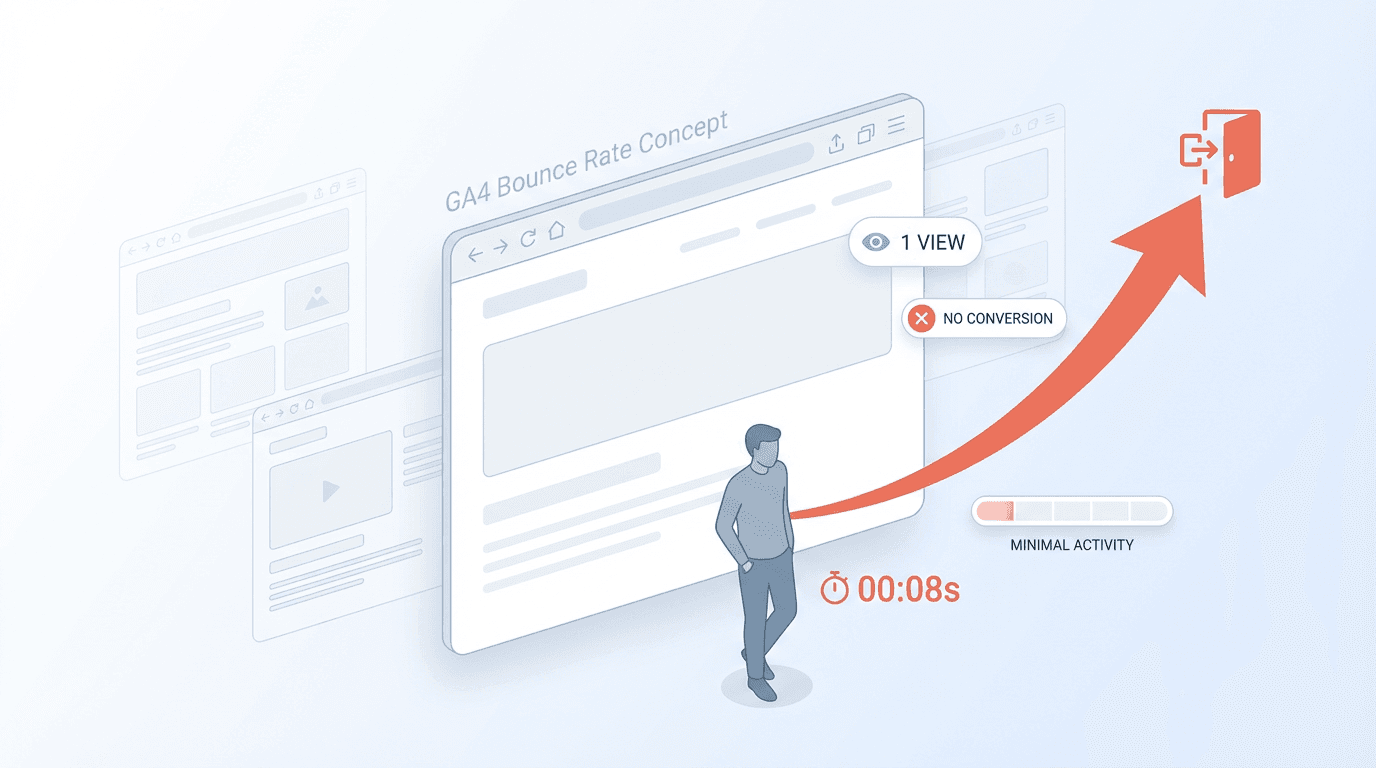
GA4 bounce rate is the share of sessions that were not engaged. Add Bounce rate and Engagement rate to a detailed report to inspect them. Start with Landing page for entry-page analysis or Traffic acquisition for channel analysis.
This guide focuses on the interface and interpretation. Use the bounce-rate definition guide for concepts and the improvement checklist for interventions.
Add the metrics
- Open the intended GA4 property and select the period.
- Open a detailed report, such as Landing page.
- Select the report customization control.
- Under report data, open Metrics and add Bounce rate and Engagement rate.
- Apply and save the report changes.
- Check the right side of the table if the columns are not immediately visible.
Report customization requires Editor or Administrator access. If you only have viewing access, ask an authorized owner to add the fields rather than assuming broad permission changes are necessary.
Troubleshoot missing controls
Symptom | Check |
|---|---|
No customization button | Your report-editing role |
Only Add cards appears | You may be in an overview rather than a detailed report |
Metric is absent from the add list | It may already be included |
Column is still invisible | Horizontal position and saved configuration |
Empty or extreme values | Period, session volume, filters and collection |
Report collections and navigation can differ by property. Find the appropriate detailed report rather than relying on an identical menu layout in every account.
Analyze entry pages
Use Landing page with sessions, bounce rate, engagement rate and an appropriate outcome metric. This describes sessions that began on the page. Pages and screens includes later views and therefore is not an equivalent entry-page analysis.
Break down important pages by device and session acquisition channel. A sitewide increase can result from a changed traffic mix even when each individual page behaves similarly.
Analyze acquisition channels
In Traffic acquisition, use Session default channel group or Session source / medium. First user source answers an original-acquisition question and should not be substituted without changing the interpretation.
This fictional comparison illustrates why purpose matters:
Segment | Sessions | Non-engaged sessions | Bounce rate | Follow-up question |
|---|---|---|---|---|
Article A, organic | 100 | 40 | 40% | Did readers get the answer? |
Booking LP, paid | 100 | 20 | 20% | Did valid bookings complete? |
A lower rate does not establish a better business outcome across unrelated page types.
Confirm the calculation and settings
Bounce rate equals non-engaged sessions divided by sessions, multiplied by 100. For the same scope, engagement rate and bounce rate sum to 100%. If 70 of 100 sessions are engaged, the rates are 70% engaged and 30% bounced.
The standard engagement criteria are a duration longer than ten seconds, a key event, or at least two page or screen views. The time setting can be changed, so record the actual configuration. first_visit, first_open and session_start are exceptions excluded from engaged-session calculation even when marked as key events.
A single-page visit can be engaged. Bounce rate also does not tell you how many people abandoned the first screen.
Turn the result into a diagnostic action
A sudden drop can reflect a newly marked key event or duplicate page views rather than better content. A rise can reflect tagging, consent or acquisition changes. Check those before attributing the movement to design.
Record period, page, channel, device, sample size, setting changes and outcomes. With small samples, one session can move the rate substantially; extend observation or inspect actual user tasks rather than making a large decision from a volatile percentage.
Related guides
Keep marketing reporting consistent
Use consistent metric definitions and reporting periods when reviewing results. See NeX-Ray’s supported integrations and reporting features, or start for free.
References
Official references checked September 28, 2026. Interface labels and available features can vary by account and rollout.