GTM Tags, Triggers and Variables: A Practical Setup Example
April 15, 2026
Author: Shusaku Yosa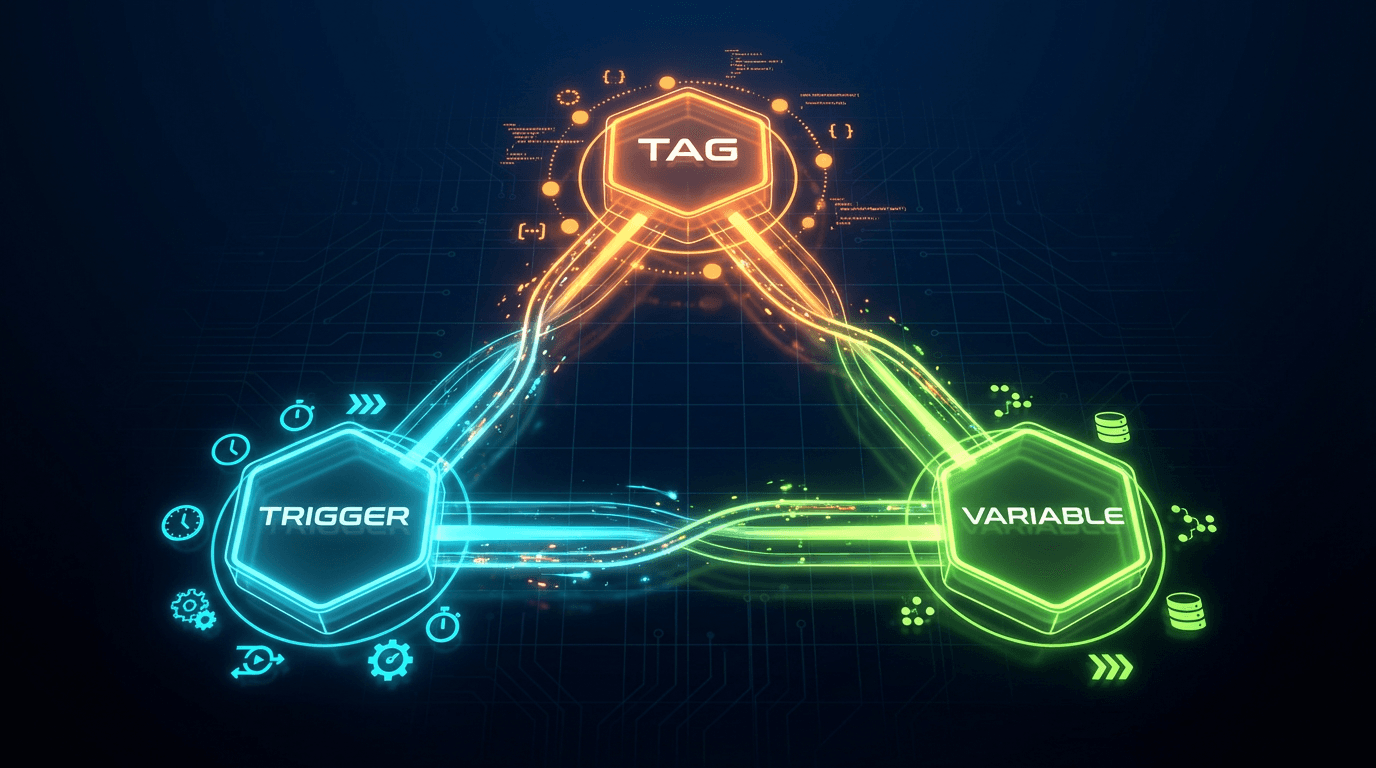
A trigger in Google Tag Manager determines when a tag runs. A tag defines the action, such as sending a GA4 event, and a variable supplies a value used in that action or its conditions. Think of them as what happens, when it happens and which values are used.
For example, measuring a consultation button needs an event tag, a trigger for the intended click and values identifying the page or button. The click should remain distinct from a successfully submitted inquiry.
Compare the components
Component | Role | CTA example |
|---|---|---|
Tag | Performs an action | Send cta_click to GA4 |
Trigger | Determines when the action runs | An eligible button click |
Variable | Supplies a condition or event value | Click ID, Page Path or CTA location |
Data layer | Holds structured information supplied by the site | A confirmed lead type or business event |
Creating a variable does not transmit data by itself. A matching trigger also does not establish that every required value and consent condition is present.
Design one complete CTA event
This illustrative design assumes the website exposes a stable button ID.
Field | Example |
|---|---|
Purpose | Measure movement from pricing toward a consultation |
GA4 event | cta_click |
Page path | /pricing |
Element ID | consultation-cta |
Parameter | cta_location = pricing_main |
Expected count | One event per intended click |
Business meaning | An intermediate action, not a completed lead |
Enable the required built-in variables, such as Click ID and Page Path. Select the click trigger appropriate to the actual element, restrict it to the intended conditions, and attach it to a GA4 event tag with the correct destination and parameters.
Preview the implementation and test both the intended button and unrelated controls. Built-in variables are not necessarily all enabled. Clicking an icon inside a button can also identify a child element rather than the button you expected. Inspect actual values instead of assuming the visible label is a reliable technical identifier.
Read Tag Assistant in order
Select the relevant click, inspect Variables, then review fired and unfired tags. Finally, confirm the destination, event name and parameters in GA4 debugging. A fired tag is an intermediate signal, not the complete acceptance test.
Symptom | Investigate first |
|---|---|
No relevant click | Trigger type and actual element behavior |
Undefined variable | Enablement, source and timing |
Tag does not fire | Conditions, exceptions, consent and tag state |
Fired but absent from GA4 | Destination, blocking and debugging conditions |
Two identical events | Duplicate tags, overlapping triggers or automatic collection |
Use the data layer for business success
A click cannot prove that a lead was accepted or a purchase completed. When the application confirms success, it can provide a structured data-layer event and the necessary attributes. A GTM Custom Event trigger can then respond.
For example, an internal lead_success event can trigger the recommended GA4 generate_lead event. A failed submission should not generate it. Reloads and double clicks need explicit duplicate handling. GTM does not create an authoritative business-success signal on its own; the application must supply one.
Avoid duplicate automatic measurement
GA4 enhanced measurement may already collect outbound clicks or file downloads. Inspect the existing events before adding another implementation for the same action. Repeated collection is not evidence that engagement increased.
Name tags by destination and purpose, and triggers by action and condition. Keep an owner, test record and published version. This turns the three basic concepts into a measurement design that another teammate can maintain.
Related guides
Keep marketing reporting consistent
Use consistent metric definitions and reporting periods when reviewing results. See NeX-Ray’s supported integrations and reporting features, or start for free.
References
Official references checked September 28, 2026. Interface labels and available features can vary by account and rollout.