Technical and On-Page SEO Checklist: Crawl, Index, and Display
May 25, 2026
Author: Shusaku Yosa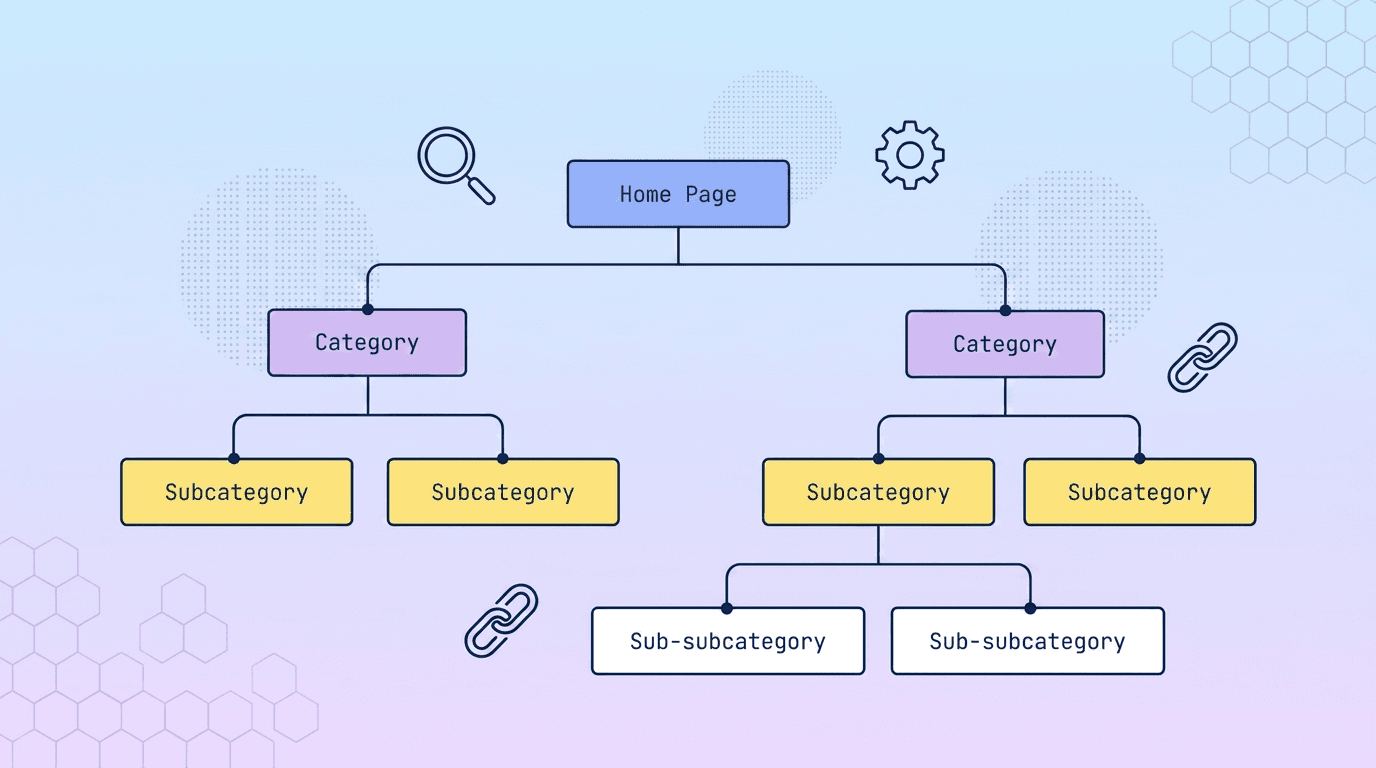
Internal SEO improves a site’s structure, HTML, links and user experience so readers and search engines can reach and understand its content. More settings do not automatically produce better rankings. First identify where an important page is failing: discovery, retrieval, indexing or relevance.
This guide focuses on technical and on-page diagnosis. Content planning and writing are separate workstreams that should connect to the same reader need.
Diagnose five stages
Stage | Question | Evidence |
|---|---|---|
Discovery | Can an important URL be found? | Internal links and sitemap references |
Crawling | Can necessary content be retrieved? | Response, robots.txt and rendering |
Indexing | Can it be included in search? | noindex, canonical, duplication and content |
Understanding | What question does the page answer? | Title, headings, text and image descriptions |
Usability | Can someone complete the task? | Mobile interaction, speed and forms |
No performance row in Search Console does not prove that a URL is unindexed. Inspect the URL and record its individual state. If it is indexed but rarely shown, investigate demand, intent and competing answers as well.
Use each control for its intended purpose
Control | Purpose | Limitation |
|---|---|---|
robots.txt | Control crawling | Not a guaranteed removal method |
noindex | Instruct a search engine not to index | The instruction must be accessible |
canonical | Indicate a preferred representative | Selection is not guaranteed |
Sitemap | Help URL discovery | Submission does not guarantee indexing |
Redirect | Direct a request to a new location | Avoid unintended targets and chains |
Blocking crawling can prevent Google from reading a noindex instruction. Review Google’s robots meta documentation and the robots.txt guide before combining controls. Avoid changing URLs merely because you are rewriting content; unnecessary simultaneous changes complicate diagnosis.
Align titles, content and links
Use a title that identifies the topic and answer, then organize headings around the reader’s sequence of questions. Fixed keyword-density targets are not a useful substitute for relevant explanations, evidence and examples.
Place internal links where another guide resolves a natural next question. Use descriptive anchors and distinguish introductory, implementation and troubleshooting articles. Do not reproduce an oversized identical link list on every page. Describe meaningful images through appropriate alternative text instead of keyword lists.
A meta description summarizes a page, but Google may show different snippet text. Treat it as an accurate description rather than a promise of a fixed search appearance.
Do not invent special requirements for AI search
Google’s AI features documentation says no additional special optimization is required for its AI search features. Keep visible content useful and structured data consistent with it. Markup does not guarantee selection or citation.
Do not add implementations solely to obtain discontinued search appearances. Google’s documentation updates state that FAQ rich results stopped displaying from May 7, 2026. Useful questions and answers can remain as content; their value is separate from a search feature.
Prioritize and verify
Priority | Example | Completion evidence |
|---|---|---|
Immediate | Important page unavailable or accidentally noindexed | Response and instruction checks |
Next | Orphan page or conflicting representative URL | Navigation and canonical consistency |
Ongoing | Confusing structure or slow interaction | Relevant-device testing and field data |
Evaluation | Search and business movements | Comparable periods and a change log |
Record the affected URL, evidence, expected change, owner, review date and rollback condition. A successful implementation test is not the same as later crawling, indexing or traffic growth.
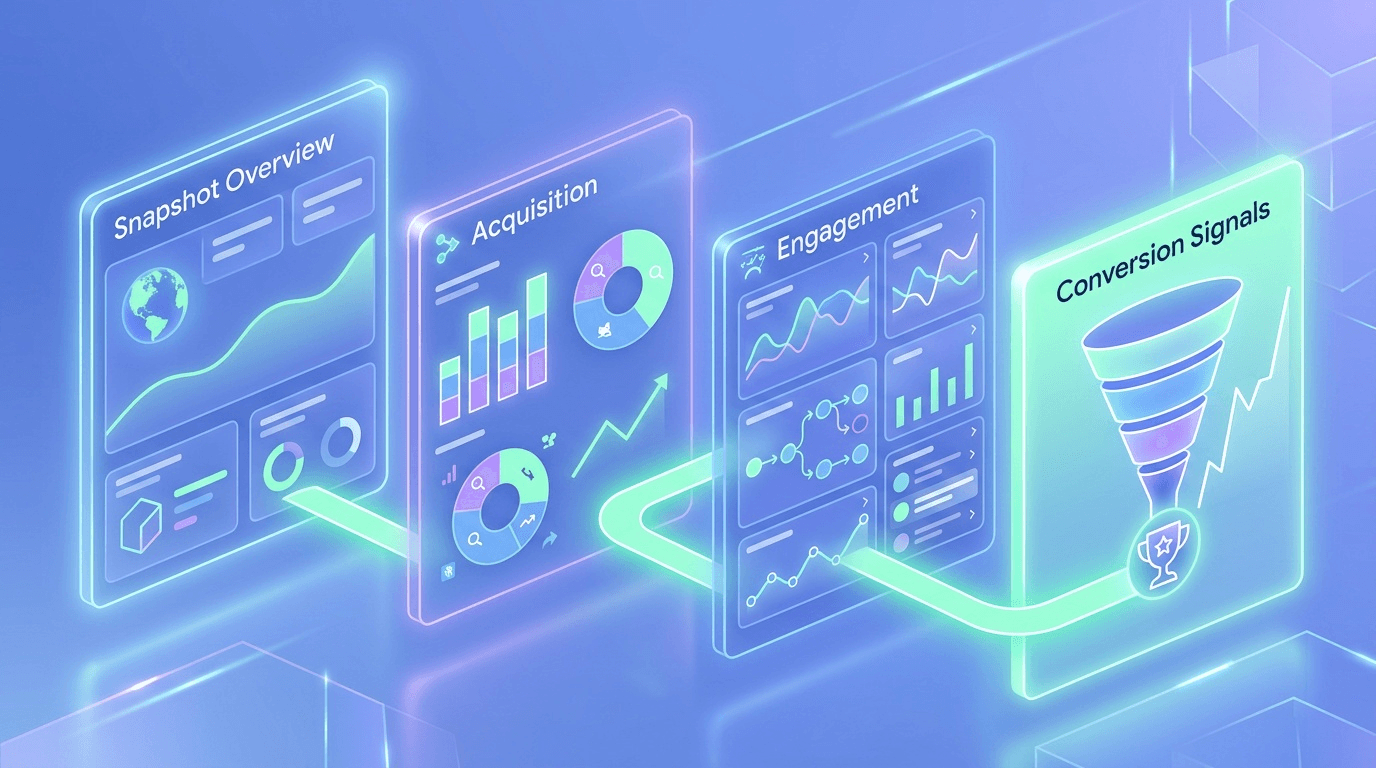
GA4 engagement and bounce metrics help investigate user behavior; they are not a direct Google ranking scorecard. Combine technical accessibility with accurate content and a clear path to the reader’s goal. When performance changes, review both implementation and demand before blaming one isolated setting.
Related guides
- How to Read PageSpeed Insights: Scores, Field Data, and Fix Priorities
- How to Use SEO Cheki: Features, Limits, and Search Console Checks
- How Google Search Works: Ranking Changes and What to Check
- Page Views vs. Sessions: How to Diagnose Changes in GA4
Review your results consistently
For ongoing data aggregation, comparison and reporting, review NeX-Ray’s integrations and features. Check the plan requirements for your analysis, then start for free.
Sources and verification
References checked on October 1, 2026. The examples and worksheets in this article are editorial illustrations, not reported customer results.